
JAMB CBT App for Android: Practise Past Questions on Your Phone
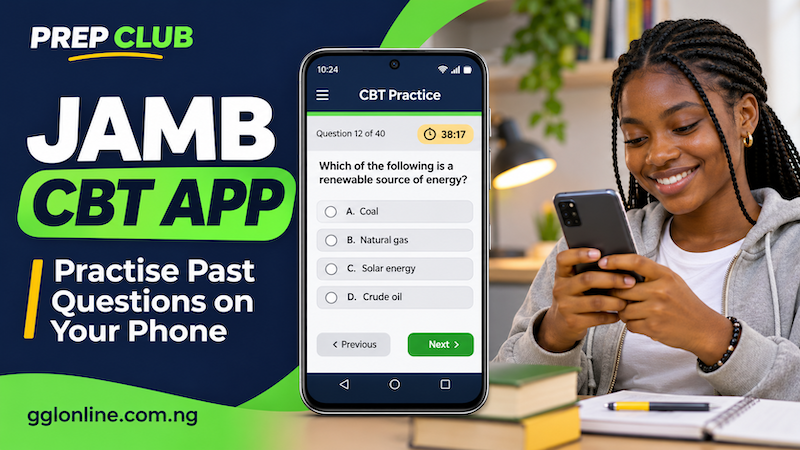
With JAMB CBT app for Android on Prepclub, you can practise questions, test your understanding and build a consistent study routine wherever you are.
Whether you are revising after school or studying at home, practising on your phone makes it easier to fit exam preparation into your day. The key is to use each session to understand your mistakes and improve.
Why Consider Prep Club’s JAMB CBT App for Android?
Reading textbooks builds your knowledge. Answering practice questions helps you check how well you can apply it.
A useful JAMB practice app should help you:
- Practise questions in Use of English and your three other UTME subjects.
- Work through timed tests to improve your pace.
- Review answers and understand why an option is correct.
- Identify topics that need more revision.
- Get comfortable selecting answers and moving between questions.
For example, if you repeatedly miss questions on probability or English concord, you have a clear starting point for your next study session.
What to Look for in a JAMB Past Questions App
Before choosing a JAMB CBT app for Android, check whether its features support how you learn.
Clear answer explanations: A score shows how you performed. An explanation helps you understand the topic and avoid repeating the same mistake.
Subject-based practice: Choose a tool that lets you focus on your UTME subjects and practise weaker areas.
Timed mock tests: Practising against a clock can help you learn when to move on from a difficult question.
Easy navigation: Questions, answer options and controls should be readable and comfortable to use on your phone.
Useful results: Look for feedback that helps you decide what to revise next.
If you want offline JAMB CBT practice, confirm which features work without an internet connection. Some apps require data for installation, activation, explanations or additional question packs.
How to Practise JAMB Past Questions on Your Phone
Start by choosing your subjects and completing a short practice session. Review every incorrect answer, then return to your textbook or lesson notes to study the underlying topic.
A simple routine is:
- Choose one topic you want to improve.
- Revise the topic using your notes or textbook.
- Answer practice questions without checking the answers first.
- Review your mistakes and write down what you learned.
- Try another test later to check your understanding.
Add timed mock exams to your routine as you become more confident. Track your accuracy alongside your speed—finishing quickly is useful only when you understand the questions.
Prepare with Prep Club
Looking for a place to begin? Explore Prep Club JAMB CBT Practice from your Android phone. Combine subject-based practice with online classes and study-group discussions to strengthen your preparation.
When a question confuses you, use it as a prompt to learn more. Ask for an explanation, revisit the topic and practise again until you can explain the answer yourself.
Frequently Asked Questions
Can I practise JAMB CBT questions on an Android phone?
Yes. You can use a compatible Android app or a mobile-friendly online CBT platform. Check the device and internet requirements before getting started.
Can I use a JAMB CBT app without internet?
Some apps offer offline practice, while others need an internet connection. Check the specific app’s requirements before downloading or paying.
Is a JAMB past questions app enough for UTME preparation?
Use it alongside the current JAMB syllabus, textbooks and lesson notes. Past questions help you practise, but understanding each topic prepares you for questions worded differently.
Does practising on a phone replace computer practice?
Phone practice is convenient, but you should also practise on a computer when possible. This helps you become comfortable with a larger screen, mouse and keyboard before your examination.