
How to Create or Retrieve Your JAMB Profile Code for 2027
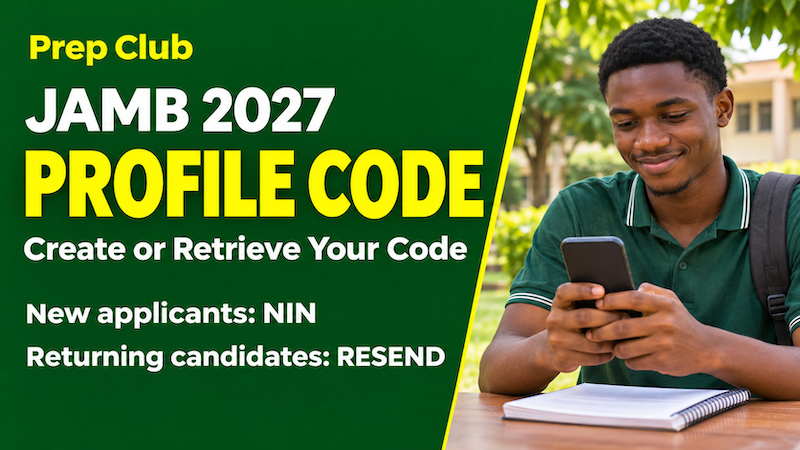
First-time applicant? Send NIN followed by your 11-digit National Identification Number to 55019 or 66019. Returning candidate? Send RESEND to either number using the same phone line you used to create your JAMB profile.
How New Applicants Can Create a JAMB Profile Code
- Open the SMS app on your phone and use your own mobile line.
- Type
NIN, leave one space, then enter your 11-digit NIN. The format looks likeNIN 00123456789. Replace the example digits with your own. - Send the message to 55019 or 66019.
- Save the 10-character JAMB profile code you receive by SMS. Keep access to that phone line because JAMB links it to your profile.
How Returning Candidates Can Retrieve Their JAMB Profile Code
- Use the same phone line you used for your previous JAMB registration.
- Text only
RESENDto 55019 or 66019. - JAMB will resend your existing profile code. JAMB’s FAQ also gives this instruction to candidates who want to refresh their code for a new registration.
What If JAMB Does Not Send the Code?
Check that you have at least ₦50 in regular airtime, confirm that you typed your NIN correctly, and try the other official short code. If you’ve lost access to your original line or the problem persists, open a ticket with JAMB Support. support.jamb.gov.ng
For 2027 candidates: These are JAMB’s published SMS instructions. A profile code is one step in the process. Check JAMB’s 2027 registration notice for the opening date and procedures for completing your UTME registration.